Skip to content

Business Software

Turn business processes into software your team can operate

We design portals, dashboards, admin tools, and integrations around the workflow your business actually uses.

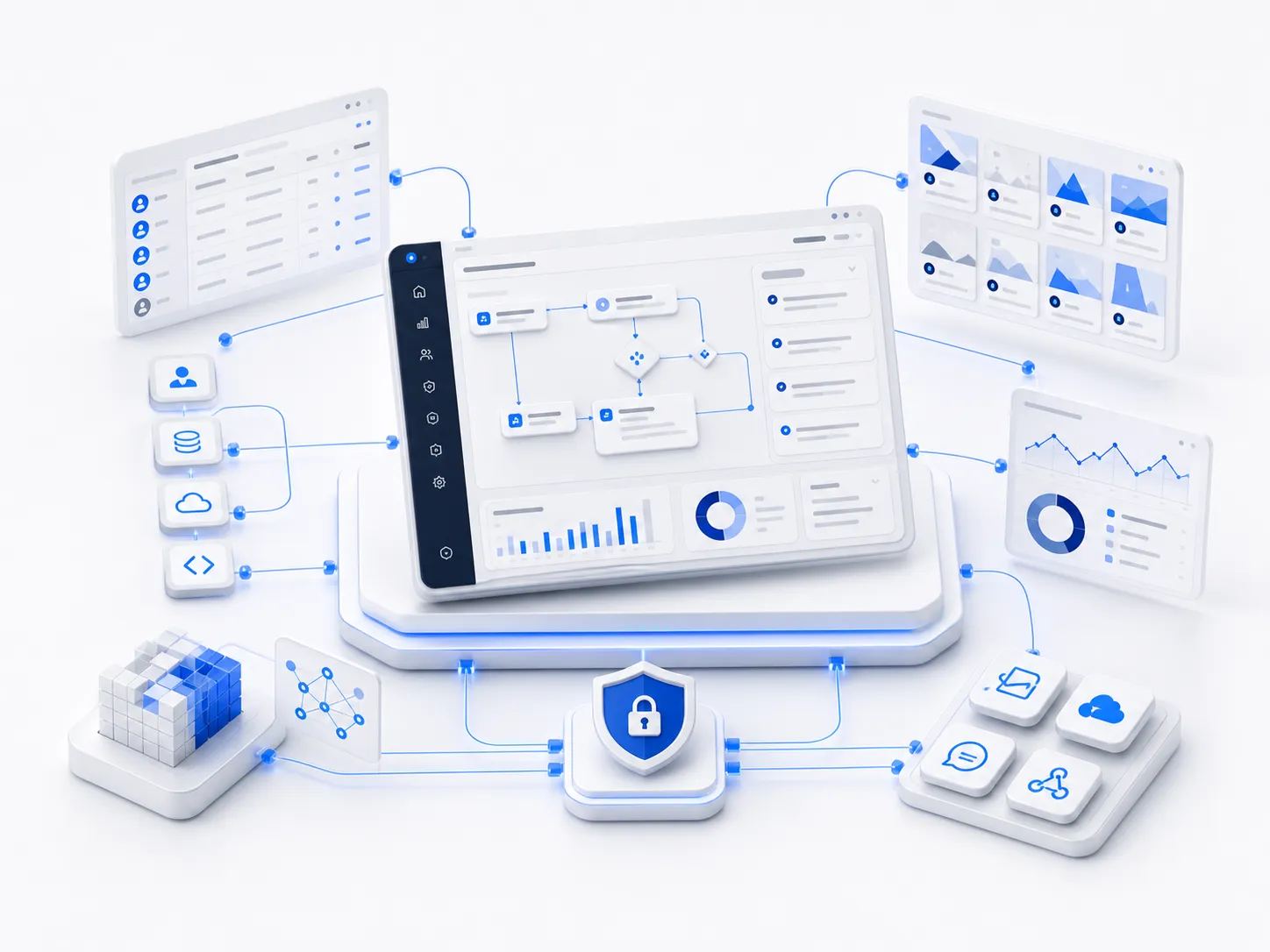
Custom business software interface with workflow modules and analytics panels

Operating problem

Operating work is trapped between spreadsheets, chat messages, manual approvals, and disconnected tools

Operating work is trapped between spreadsheets, chat messages, manual approvals, and disconnected tools.

  • Teams duplicate data between systems
  • Managers cannot see process status in one place
  • Customers or members still depend on manual follow-up
  • Existing software forces the business to work around the tool

System architecture

System architecture

Each engagement is designed across business material, software layers, and deployment operations instead of delivering an isolated feature.

  1. 01

    Business workflow

    Map roles, states, approvals, data objects, and handoff points.

  2. 02

    Application layer

    Build portals, dashboards, admin tools, APIs, and automation around the workflow.

  3. 03

    Operations layer

    Deploy with authentication, permissions, monitoring, documentation, and maintenance paths.

Deliverables

Deliverables

Requirements and workflow map

Map users, states, approvals, data objects, and handoffs before interface work starts.

Data model and permission design

Define the entities, roles, access rules, and audit needs that keep the system organized.

Web application or portal

Build the user-facing workspace for staff, customers, members, or administrators.

Admin console and dashboards

Give operators a place to manage records, review status, and see activity.

API integrations

Connect the system to payment, CRM, data, messaging, or existing business tools.

Deployment and handoff documentation

Document setup, environments, release steps, and maintenance responsibilities.

Deployment and maintenance

Deployment and maintenance

Cloud or private cloud deployment

Deploy the application to the environment that matches data and access requirements.

Role-based access control

Configure roles for staff, managers, customers, or members.

Monitoring, backups, and upgrade path

Prepare logs, backups, and a practical change process.